
Searching Cases by Name
Pick the likely Branch County court and case category first. Then run the name search. MiCOURT Case Search accepts case numbers and public participant names. Its documentation explains how matching works: first and last names match on a begins-with basis, and qName offers a contains-style name query. A common surname can pull up several public results. So lean on court, case type, case year, and status filters wherever the interface provides them.
- Open MiCOURT Case Search and identify the court before entering a public participant name.
- Enter the last name and first name in the public fields as the interface permits.
- Narrow with the court, case type, case year, status, or other available qualifier.
- Open a matching public result and confirm its court, category, year, and public-status context.
- Contact the court of record if the result is unclear, missing, or restricted rather than treating a name match as a final answer.
Skip the habit of copying participant names, full case numbers, birth dates, addresses, or private case facts into your notes. The metadata worth keeping is non-identifying. Note the court, the category, the year, the labels shown, whether a result appeared, any public hearing information that fits, and the source URL.
| Field Label | Type | Required | Notes |
|---|---|---|---|
| Last name | Text | For a name search | Official documentation describes begin-with matching. |
| First name | Text | As the interface permits | Use it to narrow a public participant-name result. |
| Court and case type | Qualifier | No | Useful for separating District, Circuit, Probate, traffic, civil, and other categories. |
| Case year or status | Qualifier | No | Available qualifiers can help distinguish results without collecting private information. |
Branch County Case Search Fields
The official MiCOURT search documentation spells out participant-name and case-number searching, plus court, type, year, and status context.
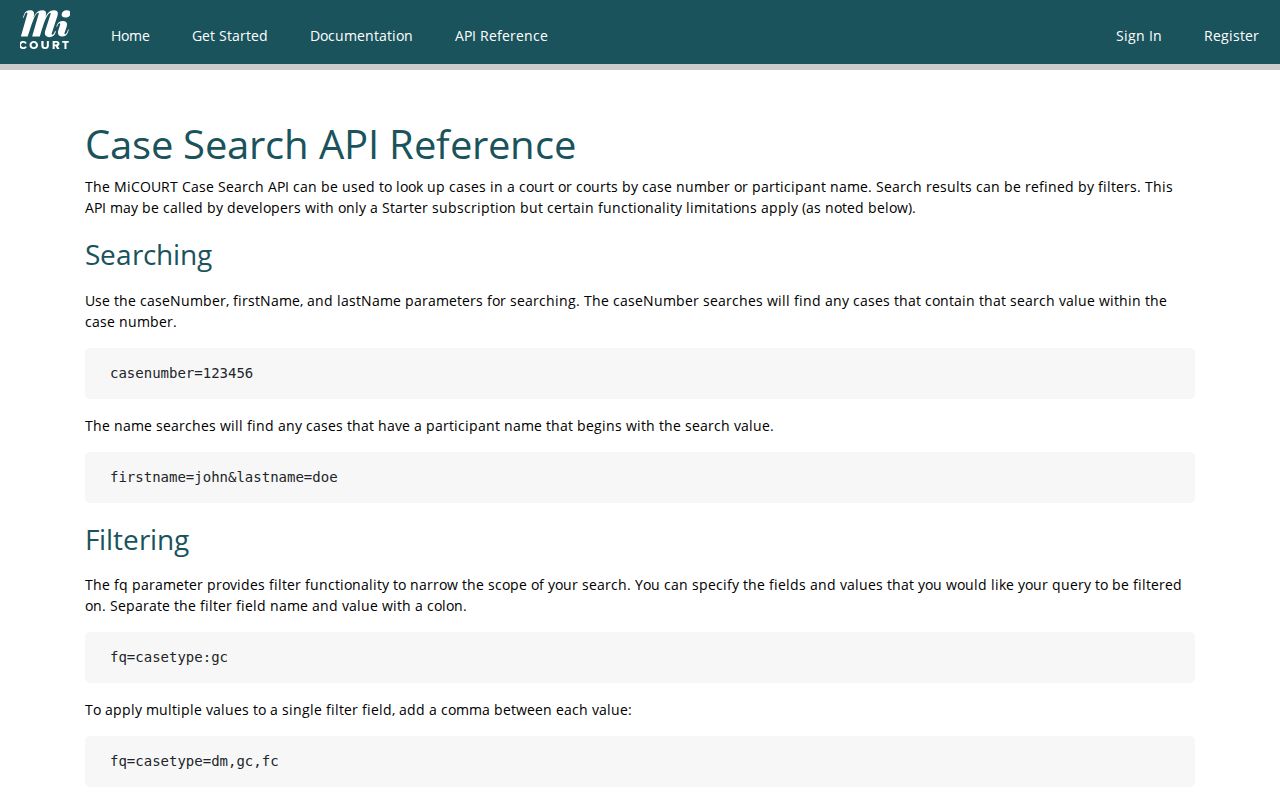
Those field labels can narrow a Branch County search. But the public web interface may not expose every technical qualifier documented for the wider system. Match the court named on your citation, notice, or filing. A city name is less reliable here. Branch County has no separately identified Coldwater or Bronson city court.
Searching by Case Number
A case number is the identifier the court itself assigned. MiCOURT recommends using it whenever you have one. There is no single universal Branch County format to lean on. So enter the complete identifier exactly as the court issued it rather than guessing at a pattern. Read case-number-as-issued as an instruction to preserve the full court identifier. It is not a real Branch County sample number.
Keep the court and the case year attached to the number. A case year can differ from the year of a hearing or disposition. A bare number may not land in the right system. If the lookup returns no public result, check the court name printed on the document and try again. Never use altered spellings, bulk queries, or workaround searches to slip past a restriction.
Branch County Case Search Courts
Branch County's trial courts sit at one courthouse address. Each one keeps its own docket. Traffic tickets, civil infractions, and misdemeanors all start in the 3-A District Court. That court also handles small claims, summary proceedings, civil disputes within its jurisdiction, and preliminary felony activity. Felony trials, higher-value civil cases, domestic relations, and specified appeals belong to the 15th Circuit Court instead.
Probate, guardianship, conservatorship, and juvenile matters go through the Probate Court or Juvenile register. Access to those court records can carry special limits. Picking the right court beats running one broad name search across every category. The clerk setup matters too: the County Clerk keeps Circuit Court files, while 3-A District, Probate, and Juvenile operations each keep their own dockets.
What a Case Search Returns
What comes back from a lookup? MiCOURT's field documentation lists an inventory that can include case number, year, type, status, public status, filing and disposition dates, judge, next hearing, participants, charges, petitions, amounts, and cross-reference fields. The public portal often shows less than that documented model. Whatever displays is a case-management label. It is not a full narrative of the proceeding and not a substitute for an official copy.
| Case number | The court-assigned identifier. Keep the court and case year with it when describing a record. |
|---|---|
| Parties or participants | Roles attached to the case may be shown publicly. Do not reproduce names or protected details in research notes. |
| Case type | A category such as civil, criminal, domestic, probate, juvenile, traffic, or nontraffic. Technical system categories can be narrower. |
| Filed date | The date the clerk accepted or recorded a filing. It is not necessarily the date an event happened. |
| Status or disposition | A system label about the current case state or recorded resolution. Read it with the court and record context. |
A register of actions is the clerk's chronological case history under MCR 8.119. It can be public while documents, exhibits, identifiers, or particular events stay unavailable. Treat any online result as a starting index, never a certified record.
Branch County Case Search Status
The MiCOURT field reference documents status, public-status, filing, disposition, closed-date, and next-hearing concepts without personal case values.
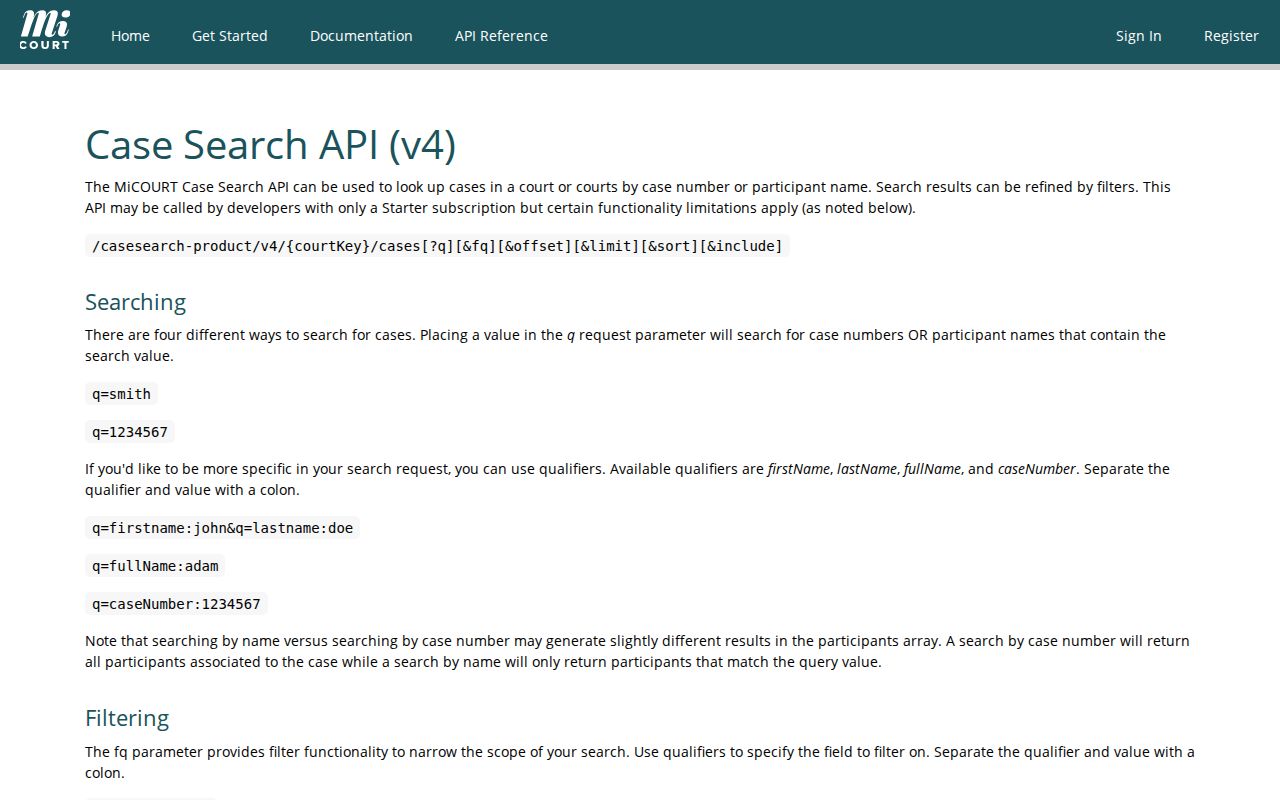
A closed date marks where a case sits in the system. A disposition records a resolution event. Neither label tells the whole story of the case.
Do not read a status as a legal conclusion. A plea, dismissal, transfer, deferred outcome, judgment, or other disposition label means something only within its case type and court context. An attempt charge can even display a felony level under MCL 750.92(3) when you expected a misdemeanor, so check the charge statute and the trial court instead of trusting a portal label alone.
Statewide vs County Case Search
MiCOURT Case Search is the statewide public-search layer. Branch County's official court pages, public display links, and clerks are the county-facing routes. They serve related but different purposes. A statewide result can help you locate an indexed case. But the court of record controls the official file, the register of actions, access to restricted material, and certified copies. Branch has no single county portal that replaces the separate court custodians.
| MiCOURT Case Search | Branch County Court Channels |
|---|---|
| Statewide public case-search interface with case-number and participant-name searching. | Official court pages, a Circuit public-docket link, the public calendar display, and separate clerk or register routes. |
| Informational public results subject to limits and participating-court visibility. | The court of record can explain a missing result and process an appropriate record or copy request. |
| Useful for locating public case context and available categories. | Useful for court-specific calendars, official copies, and case-file questions. |
The County Clerk's court-record search route covers Circuit records only. Send 3-A District, Probate, and juvenile requests straight to their own custodians. Court rules, statutes, and orders govern judicial case files, not ordinary Michigan FOIA.
Branch County Case Search Felonies
A felony case in Branch County often lives in two courthouses. Every adult criminal case starts in 3-A District Court. That court sets bail and holds the preliminary examination. Find probable cause, and the case binds over to the 15th Circuit Court for trial. So one Branch County criminal docket may show early proceedings. The other holds the trial record. Start your case lookup with whichever court is named on the notice you received. Then check whether a bindover happened. Remember, a preliminary examination is a probable-cause hearing, not the trial. Match the court and case category to the query before trusting any public result from a docket search.
Access and Restricted Cases
MCR 8.119 favors public access. You may inspect and copy a court record unless a statute, court rule, or court order restricts it. The rule also separates a visible case history from the documents and fields sitting behind it. Privacy rules come next. MCR 1.109 shields full dates of birth, Social Security and national-identification numbers, driver and state-identification numbers, passport numbers, and financial-account numbers in public filings. MiCOURT's public-search notice lists what never displays. Hidden categories include adoption, juvenile and child-protective proceedings, juvenile guardianships, mental illness, name changes, parental waivers, PPOs, certain protective-order matters, and wills. A Branch County juvenile case shows the pattern. Hearing access can be limited while the record itself stays restricted under MCR 3.925. The court, its rules, statutes, and orders decide access, and no public docket search works around those limits.
Branch County Case Search No Results
An empty screen means one thing only. The portal returned no public result. That is not proof the court never had the record, so do not stop there. The docket might sit in another Branch County court unit. It may fall outside the visible period. It may be sealed or nonpublic, or simply lag behind what the clerk has filed. The case could even carry a different public status than you searched for. Confirm the court and the case category. Only after that should a no-result become a conclusion.
Use the court of record. If a public search is missing the needed record, contact the responsible clerk or register and ask which request route applies to that court and record type.
Branch County Case Search Visibility
MiCOURT itself warns about limited display. Some courts show only case-number information. That filter covers criminal convictions sentenced within the prior seven years. Courts applying that filter are flagged in the state system. Older criminal docket information may take a direct request. Nonpublic details never come through the public interface. None of that means an expungement, a missing case, or a complete criminal history.
Public data can also go stale. A later order may not show up right away. A clerk correction or a sealed filing can lag too. Say "not found online" instead of declaring a fact from one portal result. The court of record settles everything else. It covers official status and certified copies of court records.
Branch County Case Search and MiFILE
MiFILE, also called TrueFiling, handles electronic filing rather than public case lookup. The current available-courts list includes MI Branch County–Coldwater–3A District Court as a participant. Branch's District Court page reports that MiFILE went live on June 27, 2024. Attorneys must e-file civil filings under the applicable Michigan rule. Self-represented parties may e-file too, though nothing forces them to.
Do not confuse a filing account with search access. A MiFILE login grants none. For public case information, use MiCOURT. Check the public display for calendar-facing details. Need a court file, a copy, or anything beyond online visibility? Go to the proper clerk or register.
Branch County Case Search Follow-Up
A docket search can come up short, so match the request to the right Branch County court. Circuit records run through the published County Clerk form. It covers a ten-year search period. It asks for the known case number or party information. Mail it with a money order and a self-addressed stamped envelope. The Circuit search fee runs $10 per case type for ten years. Each additional year costs $1. The page promises no processing time.
Copies cost $1 per page for Circuit records. A certified copy adds $10 plus $1 per page. Bring cash or a money order, since personal checks are refused. Those terms apply only to Circuit files, not to 3-A District, Probate, or juvenile matters. Call the office holding the specific Branch County court record first. Ask whether it is available. Know whether you need a plain copy or a certified copy before you send payment.